Last updated: 2026-06-27
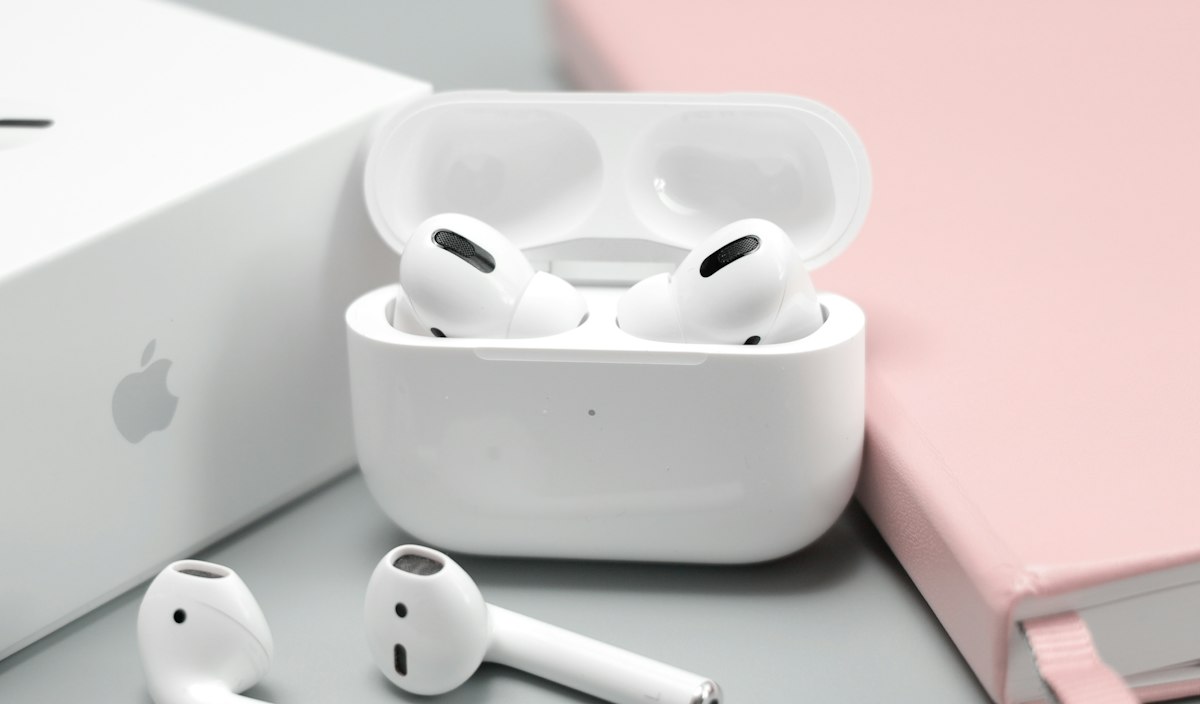
Bluetooth audio codecs explained simply: they're the compression method your phone and headphones agree on to squeeze audio through a wireless connection, and which one your devices actually use has a real, audible effect on sound quality, latency, and even battery life. Most people never see this happening — there's no notification telling you which codec is active — but if you've ever noticed your wireless headphones sound noticeably better with one phone than another, a codec mismatch is very often the reason. This guide breaks down the five codecs you're most likely to encounter: SBC, AAC, aptX, aptX HD, and LDAC.

Brian has independently tested consumer audio equipment since 2018, measuring frequency response and codec-dependent audio quality across dozens of Bluetooth devices. Read more about our testing methodology or view full bio.
Audio takes up a lot of data, and Bluetooth's wireless bandwidth is limited, so your phone and headphones compress the audio signal before sending it and decompress it on the other end. The codec is the specific compression algorithm used to do that. A better codec supports a higher maximum bitrate — meaning it throws away less information during compression — and typically also achieves lower latency, which is the delay between a sound happening on your phone and you actually hearing it in your headphones. When your device and headphones both support multiple codecs, they automatically negotiate the best shared option during pairing; you have essentially no manual control over that negotiation on most phones, which is part of why so few people know which codec they're using at any given moment.
| Codec | Max Bitrate | Typical Use Case | iOS Support | Android Support |
|---|---|---|---|---|
| SBC | ~328 kbps | Universal fallback, all Bluetooth audio devices | Yes (fallback) | Yes (fallback) |
| AAC | ~250-320 kbps | Default high-quality codec on Apple devices | Yes (primary) | Varies by manufacturer |
| aptX | ~352 kbps | Common mid-tier upgrade for Android/Windows | No | Yes (most non-Samsung/Pixel) |
| aptX HD | ~576 kbps | Higher-resolution audio for supported Android devices | No | Yes (select devices) |
| LDAC | Up to 990 kbps | Near-lossless streaming, Sony ecosystem and select Android | No | Yes (most modern Android) |
Bitrate figures above reflect commonly cited maximums per each codec's public specification; real-world throughput can vary depending on signal strength, distance, and how the specific headphone or phone implements the codec.
SBC (Low-Complexity Subband Codec) is the one codec that every Bluetooth audio device supports, because it's part of the original Bluetooth audio specification. That universality is both its strength and its weakness: it will always work, on any device pairing with any headphone, but it's also the lowest-quality option on this list. If your phone and headphones don't share support for a better codec, you're on SBC by default, and it's generally noticeable — audio can sound slightly compressed or lack detail in the upper frequencies compared to the other options here.
AAC (Advanced Audio Coding) is the codec Apple devices use as their primary high-quality option, and it's also supported by many Android phones, though implementation quality varies more by manufacturer than with other codecs. AAC was originally developed for efficient audio compression in video and streaming contexts, and it does a genuinely good job balancing sound quality against bandwidth use. For most iPhone users, AAC is simply what's happening in the background whenever headphones support it, with no extra setup required.
One quirk worth knowing: AAC's real-world quality can be more sensitive to how well a specific device's Bluetooth chip implements it than some competing codecs, which is part of why the same pair of headphones might sound subtly different paired with an iPhone versus a lower-end Android phone using a different codec entirely.
Qualcomm's aptX is widely supported across non-Apple devices — most Android phones outside of Samsung's and Google's own flagship lines, plus many laptops and Bluetooth transmitters — and it's commonly described as delivering lower latency and a modest quality bump over SBC. It won't get you all the way to lossless, but it's a meaningful step up if your device pairing supports it, and it's become something of a baseline expectation for mid-range and premium Android-focused headphones.
aptX HD is Qualcomm's higher-bitrate follow-up to standard aptX, aimed at supporting 24-bit audio sources at a higher maximum bitrate. It's supported by a narrower set of devices than standard aptX — you'll need both a phone and headphones that specifically list aptX HD support, which rules out iPhones entirely and a fair number of Android devices too. When both ends do support it, listeners commonly report a noticeably more detailed sound compared to standard aptX, particularly with higher-resolution source material.
LDAC is Sony's codec, and it supports the highest maximum bitrate on this list by a wide margin — up to 990 kbps, which Sony markets as delivering near-lossless quality over a Bluetooth connection. It's supported on most modern Android phones at the operating-system level (you may need to manually enable a "high quality" setting in Android's developer options for the top bitrate tier) and on a growing number of non-Sony headphones as well, though it remains completely unsupported on iOS. For Android users who care about squeezing the most quality out of a Bluetooth connection and own compatible headphones, LDAC is generally the best available option today.
Here's the honest answer: for the vast majority of listeners, the codec matters far less than getting a good seal on your earbuds or a comfortable, well-fitted pair of headphones in the first place. Codec differences are real and measurable, but they're generally more subtle than the difference between a properly sealed earbud and a leaky one, or between headphones you'll actually wear for hours versus ones that get abandoned after a week. If you're shopping for earbuds and fit is your bigger issue, our guide to best earbuds for small ears is a more useful starting point than codec support.
That said, codec support is worth checking in two specific situations. First, if you're an Android user buying headphones specifically for critical listening — mixing, mastering, or simply caring a lot about audio fidelity — confirming LDAC or at minimum aptX HD support is a legitimate, worthwhile filter. Second, if you're an iPhone user, none of the Qualcomm codecs (aptX, aptX HD) will ever activate regardless of what your headphones support, since Apple has never added aptX support to iOS; you'll be on AAC or SBC no matter what headphones you buy, which means paying extra for aptX HD or LDAC support specifically for use with an iPhone provides no benefit.
It's also worth noting that codec choice has essentially nothing to do with active noise cancellation quality or hearing protection — those are separate systems entirely. If your interest in audio quality is connected to concerns about listening volume and hearing health rather than fidelity, our guide on safe headphone volume levels is the more directly relevant read, and if ANC performance specifically is what you're shopping for, see our best noise-cancelling headphones guide instead.
One more consideration for Android users: battery life can be modestly affected by which codec is active, since higher-bitrate codecs like LDAC require more continuous processing on both ends of the connection. If you're choosing headphones partly for battery stamina, it's worth checking whether a given model's battery-life rating was measured using its highest-quality codec or a more conservative one — manufacturers don't always specify, and the difference can matter over a full day of use.
On Android, go to Settings, then About Phone or About Device, and tap the build number several times to unlock Developer Options (this is a standard Android feature, not a hidden trick specific to any one manufacturer). Inside Developer Options, scroll to the Bluetooth Audio Codec setting while your headphones are connected — it will show the active codec and, for LDAC, let you choose a quality/bitrate priority. Exact menu wording varies slightly by manufacturer (Samsung, Pixel, and others each style this menu a little differently), but the underlying developer-options path is consistent across stock Android.
iOS does not expose a codec selection or display menu at all — Apple handles codec negotiation entirely in the background between AAC and SBC, with no user-facing setting to check or change it. If you're an iPhone user trying to diagnose an audio-quality issue, you can generally assume AAC is active whenever your headphones support it, since iOS prioritizes AAC over SBC automatically whenever both the phone and headphones support it.
No. ANC is a separate hardware and software system from the Bluetooth audio codec. A headphone's noise cancellation quality has nothing to do with whether it's decoding SBC, AAC, aptX, or LDAC.
No. Apple has never added aptX or LDAC support to iOS at the operating-system level, regardless of what your headphones support. iPhones are limited to AAC and SBC.
LDAC supports a higher maximum bitrate on paper, and is commonly described as delivering the closest experience to a wired, lossless connection currently available over Bluetooth. In practice the audible difference between LDAC and aptX HD is often subtle and depends heavily on source material and the specific headphones' drivers.
This is very often a codec difference. Laptops, phones, and headphones each have their own set of supported codecs, and the pairing negotiates down to whichever codec both devices share — which can differ between your phone and your laptop even with the same headphones.
The short version: SBC is the fallback you never want to be stuck on if you have a choice, AAC is a solid and typically unavoidable default for iPhone users, and aptX, aptX HD, and LDAC represent progressively higher-quality options mostly relevant to Android users willing to check for specific support before buying. Unless you're doing critical listening work or already own headphones that support the higher tiers, codec choice is a secondary consideration — fit, comfort, and ANC performance will affect your day-to-day listening experience far more than which compression algorithm is quietly running in the background.
Independent testing. No manufacturer pays for placement on this site.